Defeat Ragdolls for Powers How to Redeem Codes
Claim COOP and future Yukky Toast drops without wasting a co-op session on menu confusion.
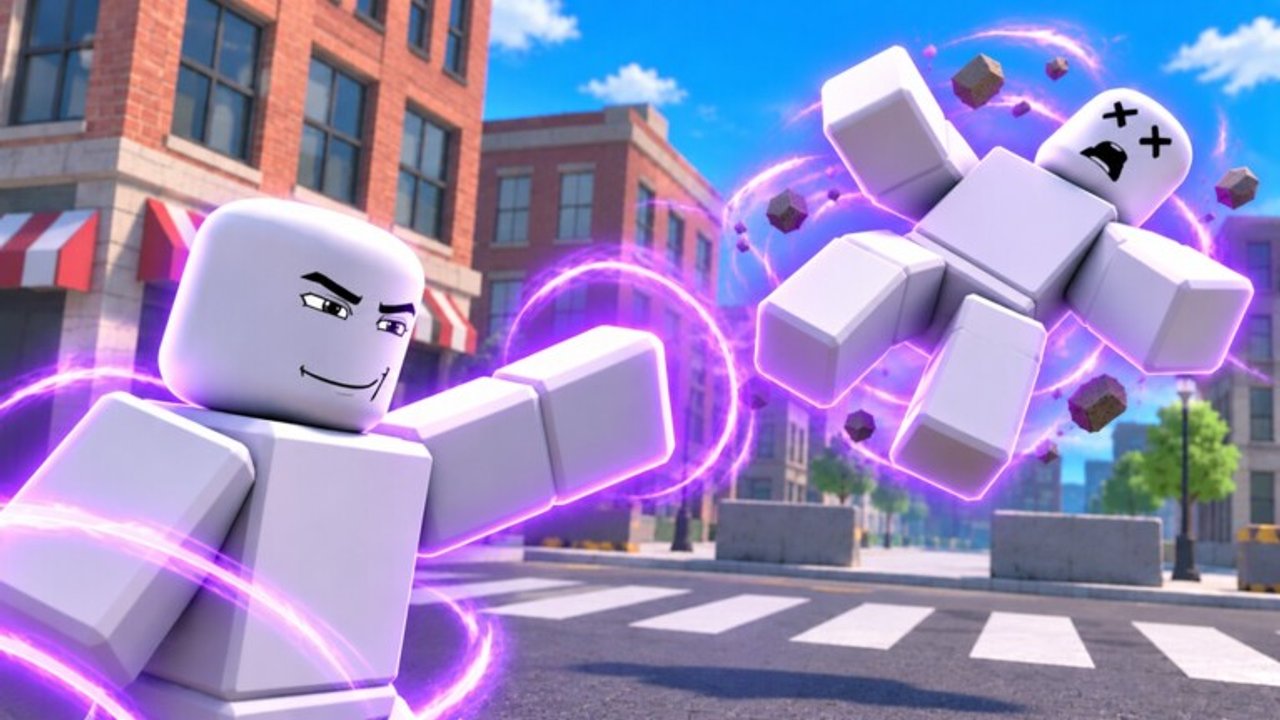
Before you redeem
Defeat Ragdolls for Powers! (also branded [CO-OP] Defeat Ragdolls for Powers!) is a three-player Roblox experience by the Yukky Toast group. Codes are redeemed inside a live server, not on the Roblox website gift page. Join the experience from the official play link, wait until your character loads into the city, then open the in-game Codes / Shop / Settings-style UI.
Have the active string ready. As of November 2026 the verified working code is COOP (listed on the Roblox game description; exact reward text not stated by the developer). Confirm the latest status on the Codes Hub before you type anything older from a random chat message.
Also plan to claim the free Starter pack offered in your first minute of play. That gift is separate from promo codes. New accounts should grab the Starter pack first or immediately after redeeming so early coins and rolls stack cleanly.
Step-by-step redeem
- Launch Roblox and open the game — use the official Defeat Ragdolls for Powers! experience. Avoid copycat places with similar titles.
- Enter a server — max players is 3. Solo is fine for redeeming; friends can join after you claim if you prefer a quiet menu.
- Finish the brief load-in — let the city, HUD, and any first-minute prompts appear. If a Starter pack popup shows, claim it when ready.
- Open the redeem UI — look for a Codes button, a Shop tab with a code field, or a Settings-style panel that accepts promo strings. Young experiences often tuck the field under Shop or a gift icon.
- Type the code exactly — enter
COOPwith no spaces before or after. Match capitalization. - Confirm / Submit — press the redeem or claim button once. Do not spam clicks; double submits can look like “already redeemed” errors.
- Verify the reward — check coin balance, power pack inventory, and any toast notifications. Because the developer has not published exact
COOPreward text, write down what changed so you know the claim succeeded. - Return to play — close the menu and start knocking out city ragdolls. Codes are a boost; progression still comes from coins and packs.
If you are brand new to the loop, continue with Getting Started after the claim so you learn cops, heroes, and trap routes instead of standing AFK in the shop.
Starter pack vs promo codes
| Gift | When it appears | How it differs |
|---|---|---|
| Free Starter pack | First minute on a new (or eligible) session | Built-in onboarding gift — not typed as a code |
Promo code (e.g. COOP) | Whenever you open the redeem UI | Typed string from description / creator channels |
Do both on day one. Skipping the Starter pack while hunting codes is a common mistake. Skipping COOP while only opening packs is the other. Neither replaces farming: you still earn coins from ragdoll knockouts and spend them on power packs across Elements, Heroes, Tech, Mystic, Cosmic, and Dark.
Troubleshooting failed claims
“Invalid code”
- Re-check spelling and case (
COOP, notCooporCO OP). - Confirm the Codes Hub still lists it as Working.
- Rejoin a fresh server; stale sessions sometimes cache an old Shop UI.
“Already redeemed”
- Codes are almost always once per account. You will not get a second
COOPdrop on an alt of the same account. - If you never saw a reward, check inventory and coin history anyway — the toast may have been missed during a fight.
No Codes button visible
- Open Shop and Settings-style menus after every patch; Yukky Toast may move the field.
- Wait until the first-minute Starter flow finishes; some UIs hide secondary buttons during popups.
- Update Roblox client and disable experimental overlays that block GUI clicks.
Reward unclear
- Normal for this title right now. Screenshot your coin count before and after. If nothing changed after a “success” message, leave and rejoin once, then contact the experience page only if the issue repeats.
Lag or combat mid-redeem
- Move to a quiet rooftop or alley before opening menus. Crushers, shredders, wrecking balls, human cannons, woodchippers, and shark pools can kill you while the Shop is open. Cops and heroes still aggro during menu time.
Co-op redeem tips
Each of the three players redeems on their own Roblox account. Standing in a huddle while one person types does nothing for the others. Call out when the menu is open so teammates cover you against city threats or Zombie mode waves if that mode is active.
After everyone claims, spend coins deliberately: buy the next power pack rather than impulse cosmetics if your goal is stronger Elements or Dark rolls. Use the Tier List later when you compare rarities (Common through Mythic) and decide which powers deserve upgrades.
Safety while redeeming
- Never share your Roblox password or 2FA codes with someone who “redeems for you.”
- Never pay real money for private code lists tied to this game.
- Only trust strings from the official Roblox description, the Yukky Toast group, or the verified Codes Hub table.
- Ignore chat bots posting loaders or “free mythic” links while you have the Shop open — that traffic is unrelated to legitimate promo codes.
Account bans from third-party tools are a separate risk covered on the Scripts Hub. Redeeming official codes through the in-game UI is the safe path.
After a successful redeem
- Note what you received (coins, pack, boost).
- Claim daily rewards if available that session.
- Buy or open a power pack while the bonus still feels fresh.
- Practice the city loop: ragdoll knockouts → coins → packs → watch for law and hero NPCs.
- Skim Guides for deeper farming and mode tips as those pages expand.
- Recheck Codes after updates in case a new string replaces or joins
COOP.
Promo codes will not finish the 50+ power collection alone. Lightning, fire, ice, black holes, floating guns, and telekinesis still come from packs and playtime. Treat redeeming as a two-minute chore at the start of a session, then get back to co-op chaos.
Quick reference
- Active code to try:
COOP - Where it was listed: official Roblox game description
- Redeem location: in-game Codes / Shop / Settings-style UI
- Related gift: free Starter pack in the first minute
- Next reads: Codes Hub, Getting Started, Updates, Official Links
Keep this page bookmarked if you help friends through their first join — most “code not working” reports are case mistakes, already-redeemed accounts, or players typing on the website instead of inside the experience.
Frequently Asked Questions
Quick answers for Defeat Ragdolls for Powers players.
Where do I redeem codes in Defeat Ragdolls for Powers?
Inside a live server using the Codes, Shop, or Settings-style UI — not on the Roblox website. Join the official experience, then open the in-game redeem field.
What should I type for the current working code?
Enter COOP exactly as shown on the Codes Hub and the Roblox game description. Avoid spaces and wrong capitalization.
Is the free Starter pack the same as a promo code?
No. The Starter pack appears in the first minute as an onboarding gift. Promo codes like COOP are typed separately in the redeem UI. Claim both.
Why does it say invalid or already redeemed?
Invalid usually means a typo or an expired string. Already redeemed means that account claimed it before. Rejoin once, recheck the Codes Hub, and verify spelling.
Can my whole co-op party share one redeem?
No. Each Roblox account must redeem individually, even though servers only hold up to three players.
What do I do after redeeming?
Confirm coins or packs changed, claim daily rewards if available, then return to farming ragdolls and buying power packs. Follow Getting Started if you are new.